CartBoost Setup Tutorial
Follow this 3-minute guide to configure tier milestone rules and activate your checkout extension block.
Install and Open the CartBoost App
Install the app directly from the Shopify App Store listing.
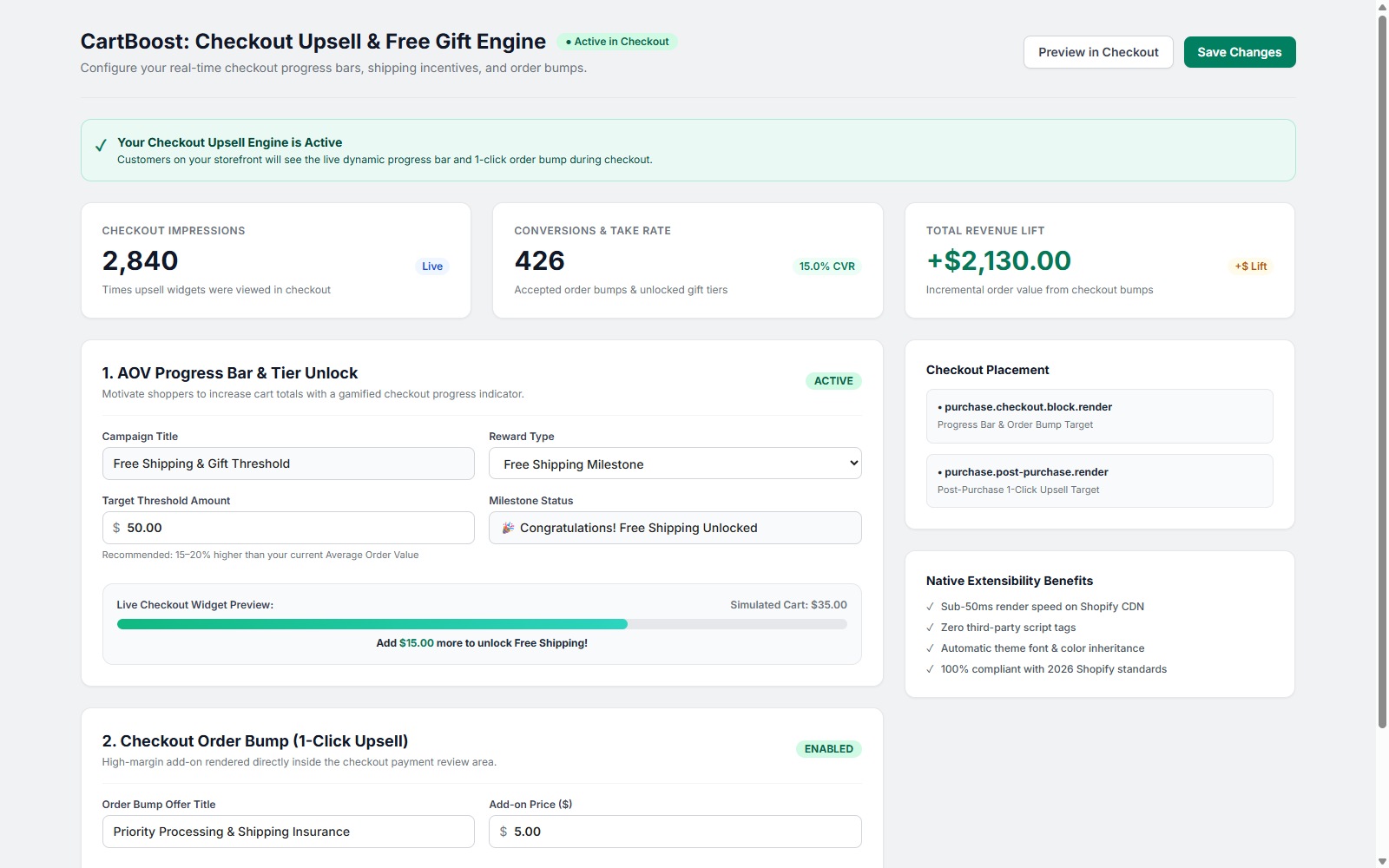
In your Shopify Admin, navigate to Apps and select CartBoost: Checkout Upsell. You will land on the Polaris Merchant Dashboard where you can view telemetry analytics, take rates, and campaign status.
Configure Your Milestone Tiers & Order Bump
Inside the app settings:
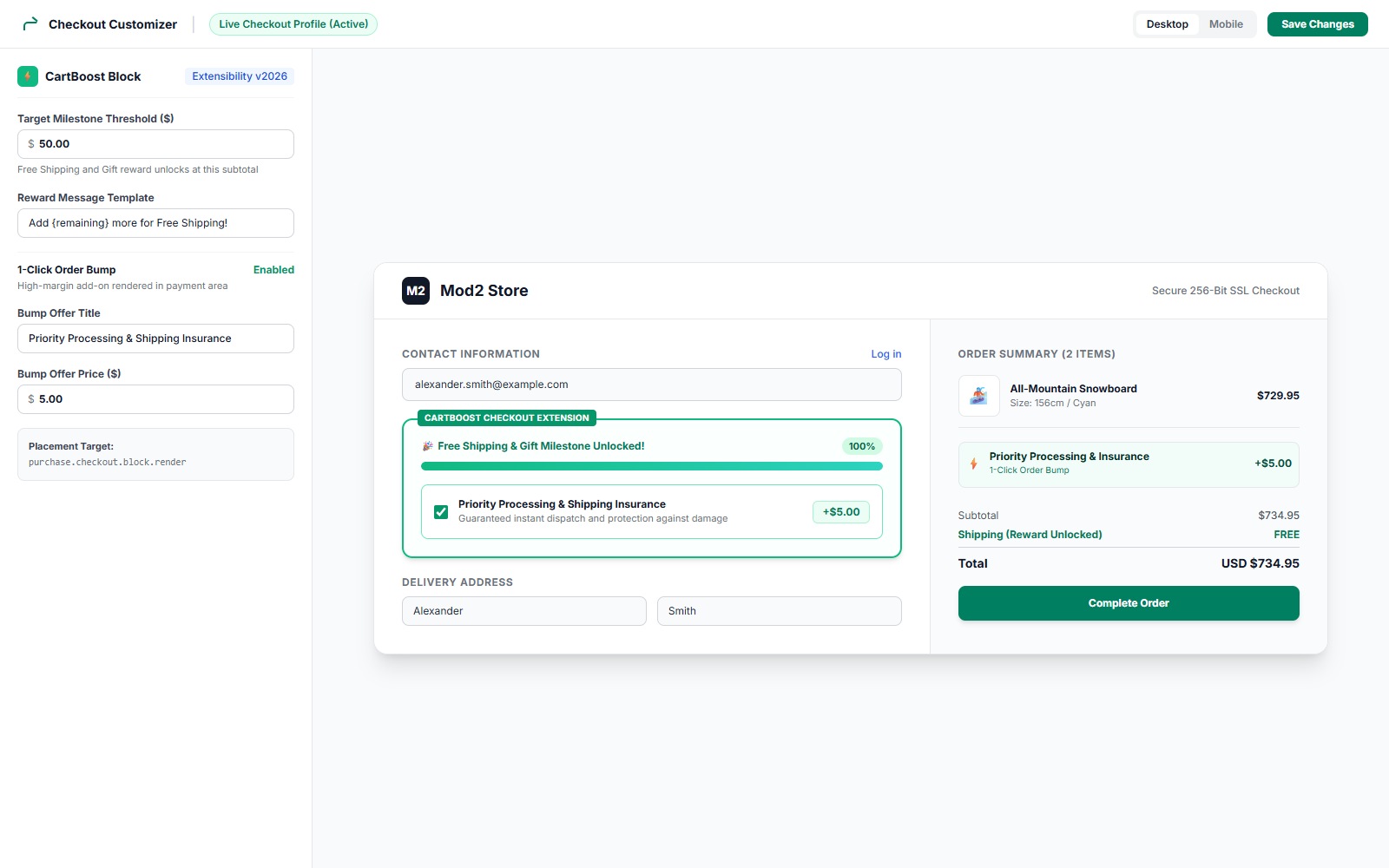
- Set your Target Threshold Amount (e.g. $50.00 for Free Shipping or $100.00 for a Gift).
- Configure your reward tier and specify free shipping or automated product gift line item appending.
- Enable the 1-Click Order Bump, select an impulse item from your catalog (e.g., Shipping Insurance, Priority Handling, or Cleaning Kit), and click Save Settings.
Add the Block in Shopify Checkout Customizer
Navigate to Settings > Checkout in your Shopify Admin. Click Customize on your active checkout profile. In the left panel, click + Add app block, select CartBoost Checkout Bar, and drag it above the shipping options or directly into your order summary. Click Save.
Verify on Storefront Checkout (Desktop & Mobile)
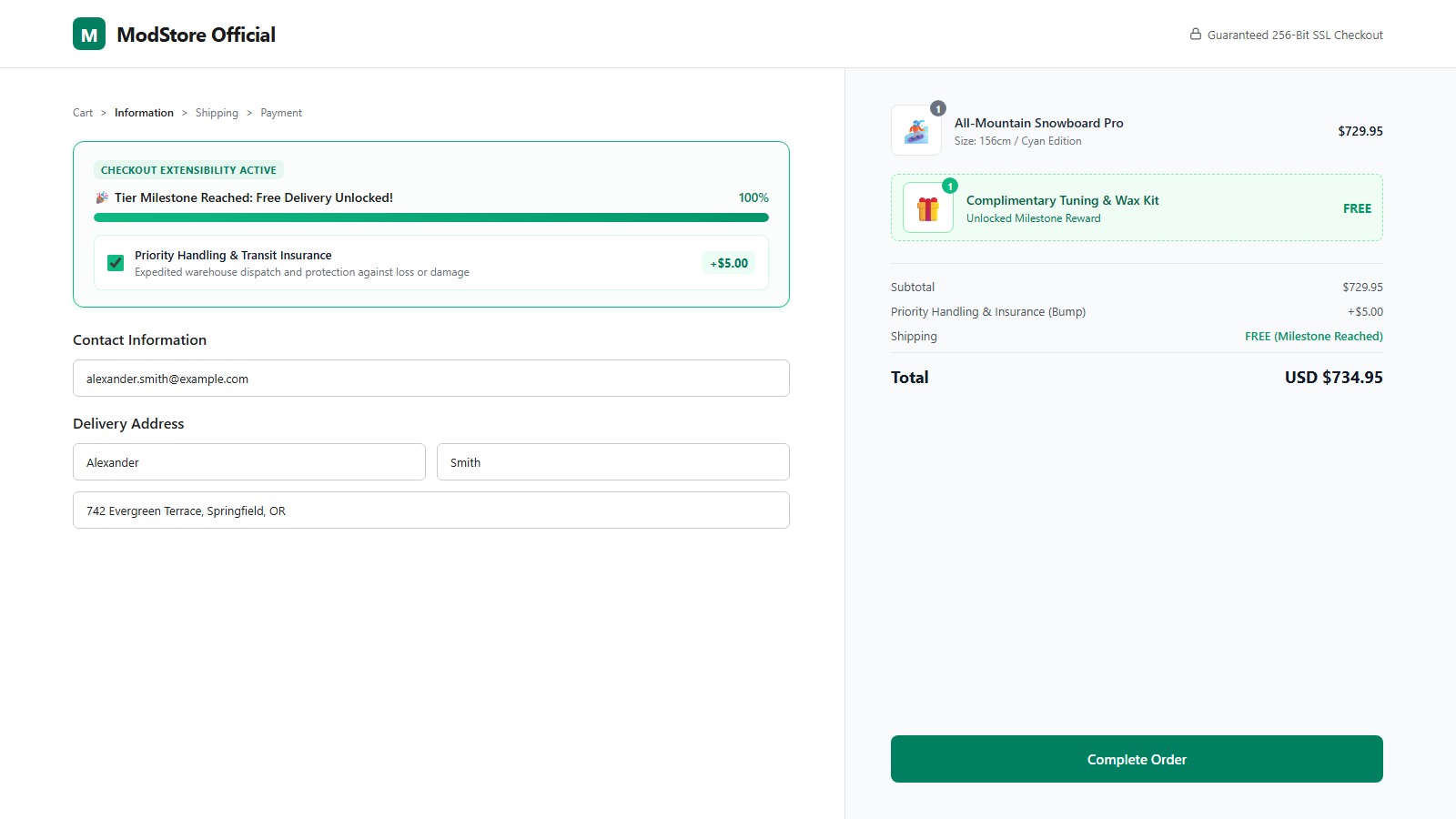
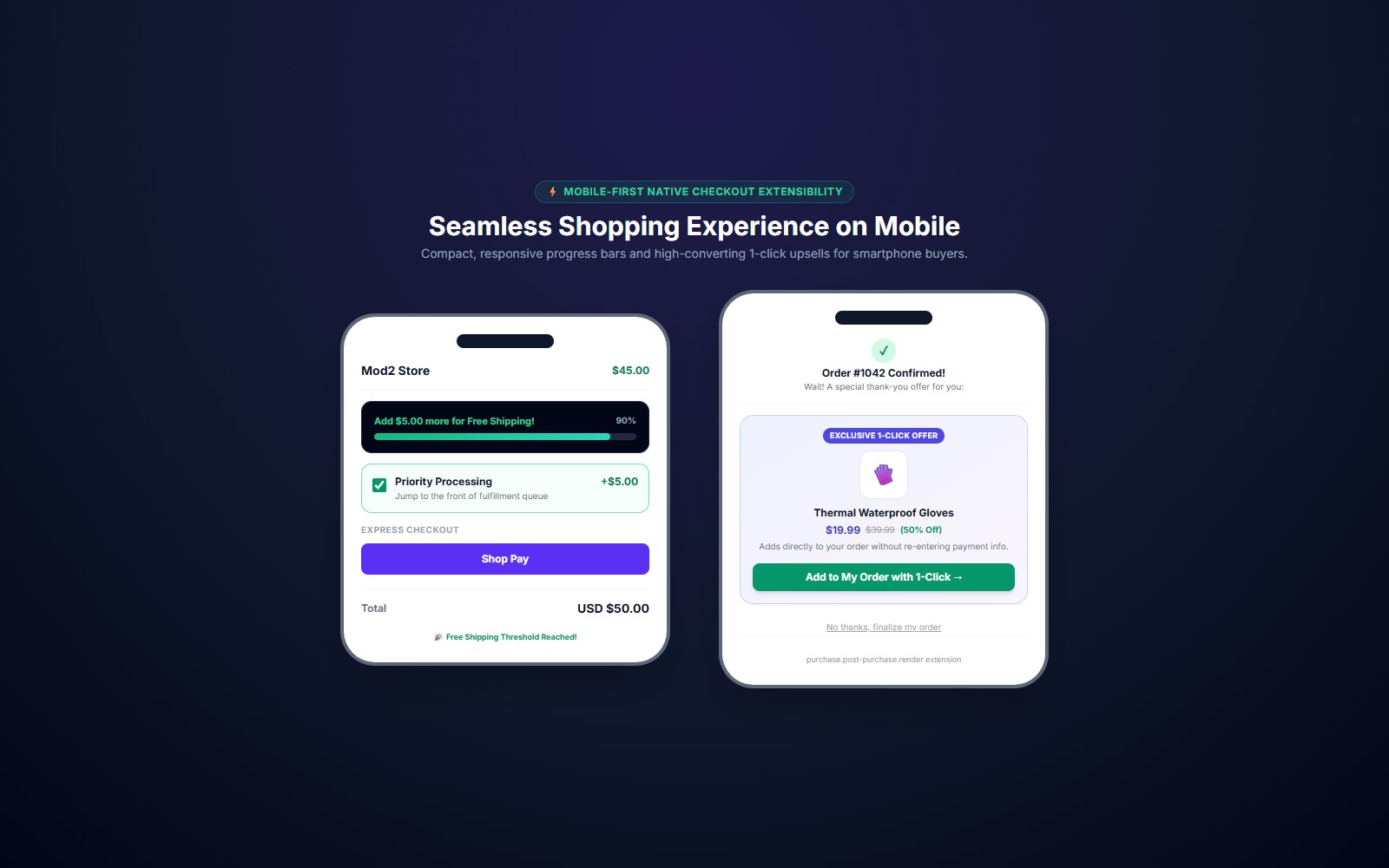
Visit your online store, add items to the cart, and proceed to checkout. You will see the dynamic milestone bar tracking cart value in real time. Ticking the 1-click order bump immediately updates the checkout total with zero page reloads.